WPF MVVM框架 Prism 导航
WPF MVVM框架Prism导航菜单
作 者:WPFDevelopersOrg - 驚鏵
原文链接[1]:https://github.com/yanjinhuagood/WpfPrismNavigation
码云链接[2]:https://gitee.com/yanjinhua/WpfPrismNavigation
框架使用 .NET60;
Visual Studio 2022;
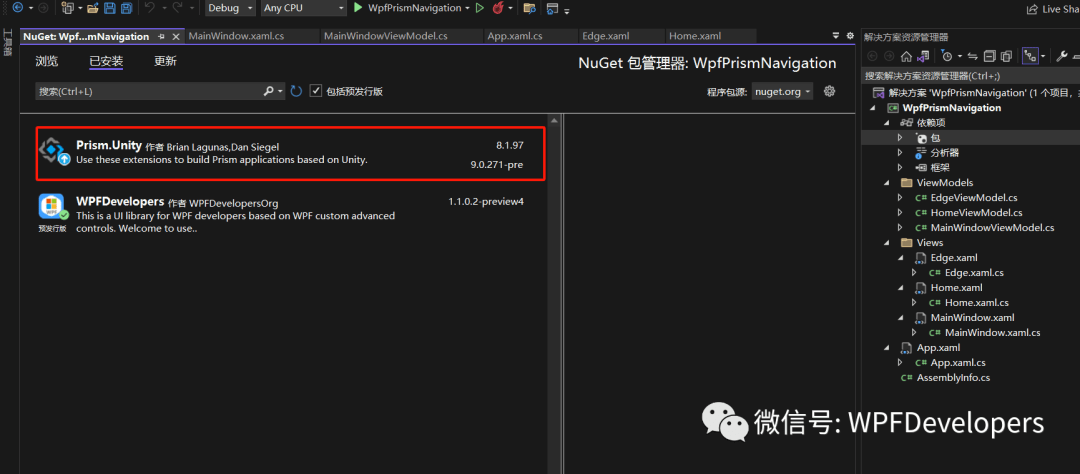
1)新建一个WPF项目,导入Prism Nuget包,如图:
安装 Prism.Unity包
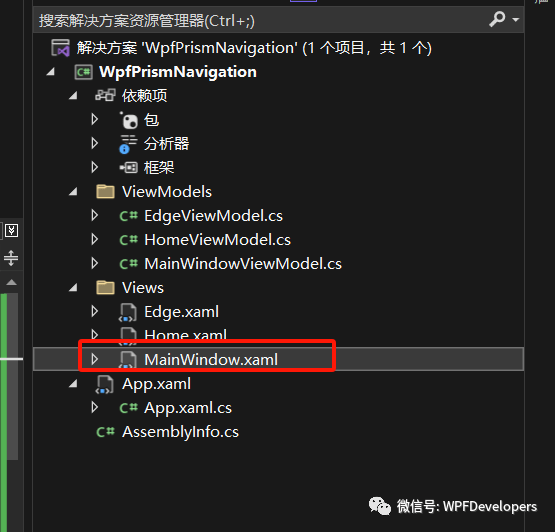
新建 Views与 ViewModels文件夹
2)重写App.xaml
添加命名空间 xmlns:prism="http://prismlibrary.com/"
记得删除 StartupUri="MainWindow.xaml"
xmlns="http://schemas.microsoft.com/winfx/2006/xaml/presentation"
xmlns:x="http://schemas.microsoft.com/winfx/2006/xaml"
xmlns:prism="http://prismlibrary.com/"
xmlns:local="clr-namespace:WpfPrismNavigation">
<Application.Resources>
</Application.Resources>
</prism:PrismApplication>
3)修改App.xaml.cs
需要必须实现的抽象方法: RegisterTypes和 CreateShell。
usingPrism.Ioc;
usingSystem.Windows;
namespaceWpfPrismNavigation
{
///<summary>
///Interaction logic for App.xaml
///</summary>
publicpartialclassApp: PrismApplication
{
protectedoverrideWindow CreateShell()
{
thrownewSystem.NotImplementedException;
}
protectedoverridevoidRegisterTypes(IContainerRegistry containerRegistry)
{
thrownewSystem.NotImplementedException;
}
}
}
实现 CreateShell方法。这是创建应用程序主窗口的方法。应使用 App类的 Container属性来创建窗口,因为它负责处理任何依赖项。
{
varw = Container.Resolve<MainWindow>;
returnw;
}
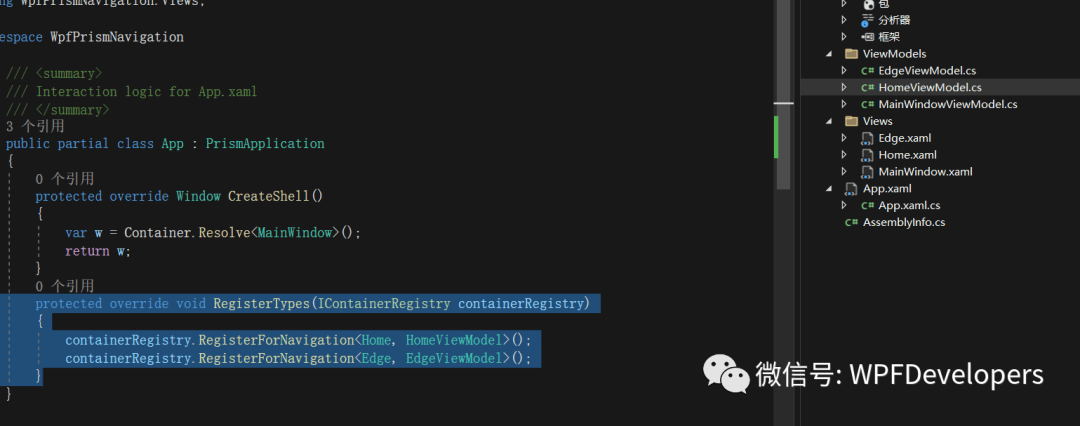
实现 RegisterTypes应用程序中所有需要切换的界面进行注册。
Views文件夹下新建了两个 UserControl Home、Edge并在 RegisterTypes进行注册。
ViewModels文件夹下新建了两个 VM HomeViewModel、EdgeViewModel进行注册。
{
containerRegistry.RegisterForNavigation<Home, HomeViewModel>;
containerRegistry.RegisterForNavigation<Edge, EdgeViewModel>;
}
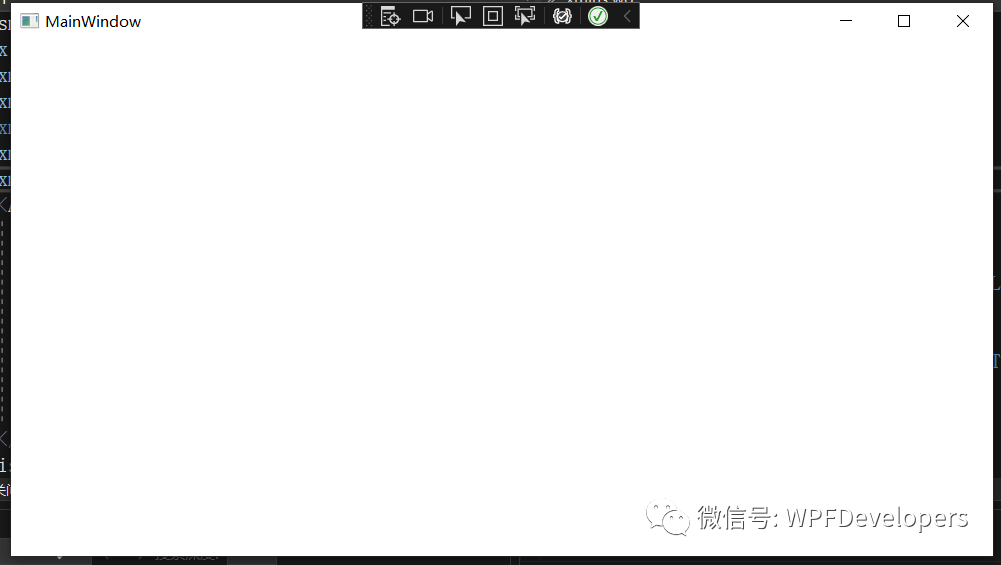
按下 F5启动看看是否报错
4)修改MainWindow.xaml
添加命名空间 xmlns:prism="http://prismlibrary.com/"
设置 prism:ViewModelLocator.AutoWireViewModel="True" Prism框架会根据规则自动查找该视图相对应ViewModel。
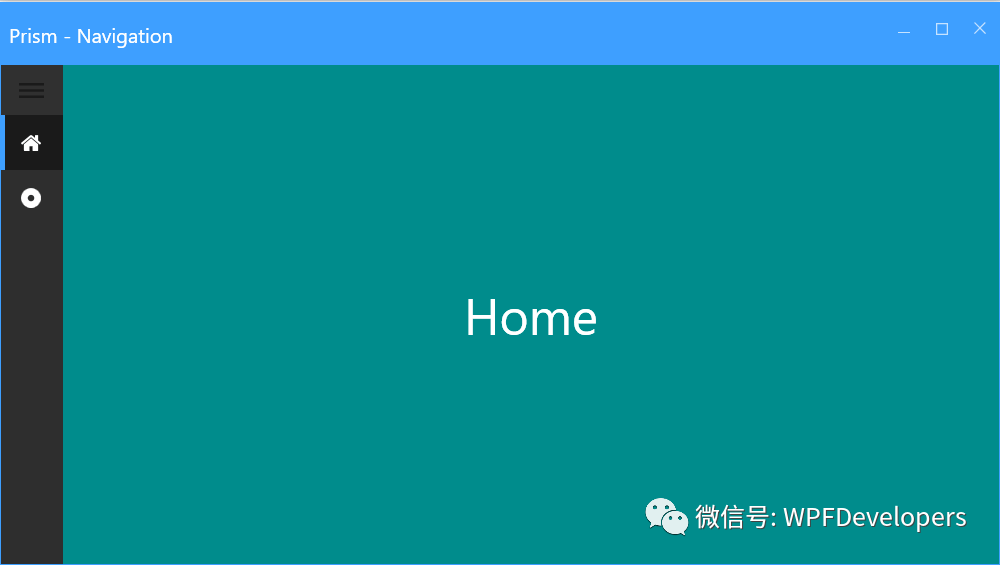
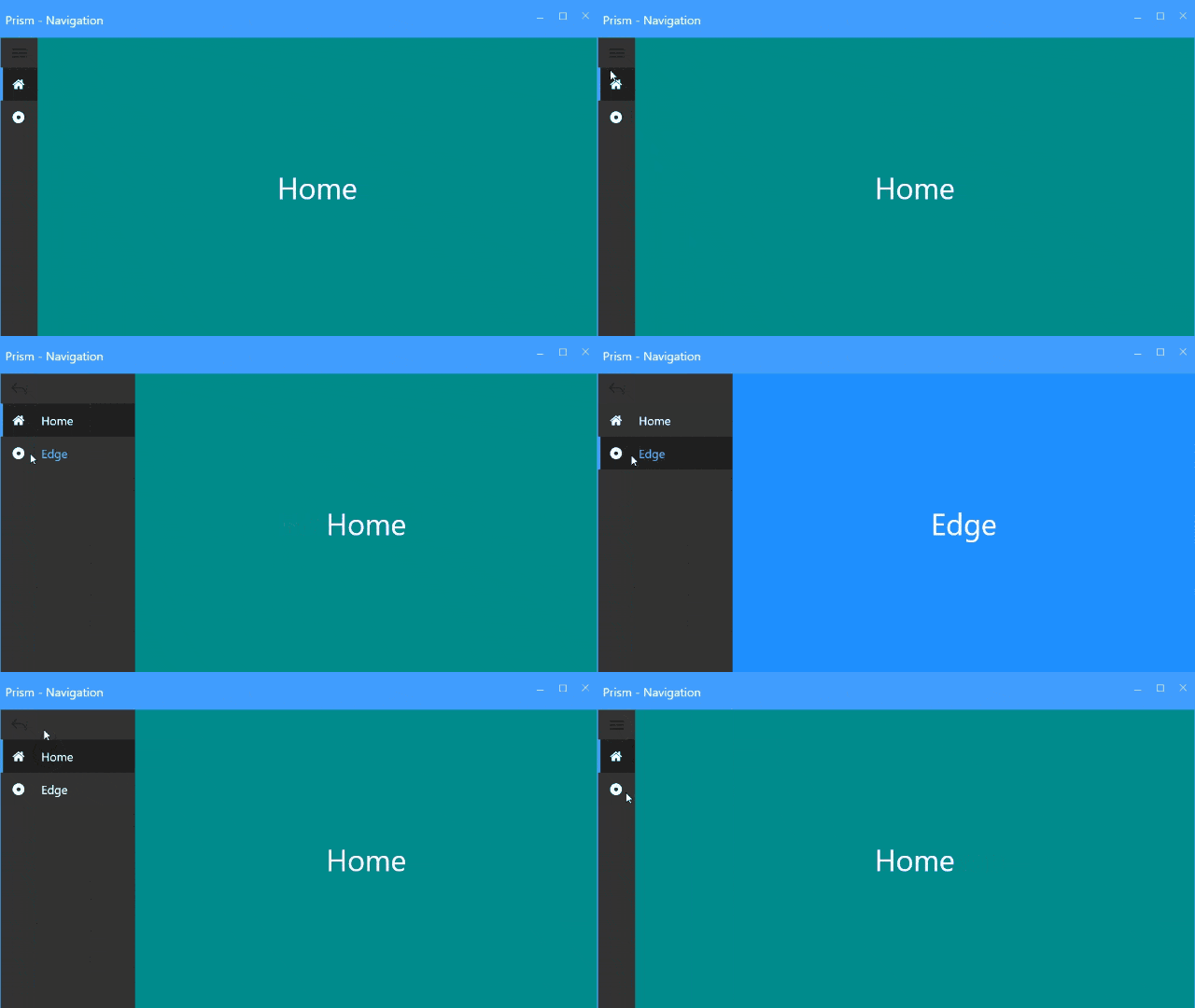
使用了 WPFDevelopers中的 DrawerMenu进行切换菜单。
x:Class="WpfPrismNavigation.Views.MainWindow"
xmlns="http://schemas.microsoft.com/winfx/2006/xaml/presentation"
xmlns:x="http://schemas.microsoft.com/winfx/2006/xaml"
xmlns:i="http://schemas.microsoft.com/xaml/behaviors"
xmlns:prism="http://prismlibrary.com/"
xmlns:vm="clr-namespace:WpfPrismNavigation.ViewModels"
xmlns:wd="https://github.com/WPFDevelopersOrg/WPFDevelopers"
Title="Prism - Navigation"
Width="800"
Height="450"
prism:ViewModelLocator.AutoWireViewModel="True">
<Grid>
<Grid.ColumnDefinitions>
<ColumnDefinitionWidth="Auto"/>
<ColumnDefinition/>
</Grid.ColumnDefinitions>
<wd:DrawerMenuSelectedItem="{Binding SelectedItem}">
<i:Interaction.Triggers>
<i:EventTriggerEventName="SelectionChanged">
<i:InvokeCommandActionCommand="{Binding SelectionChangedCommand}"CommandParameter=""/>
</i:EventTrigger>
</i:Interaction.Triggers>
<wd:DrawerMenuItemText="Home">
<wd:DrawerMenuItem.Icon>
<wd:PathIconKind="Home"/>
</wd:DrawerMenuItem.Icon>
</wd:DrawerMenuItem>
<wd:DrawerMenuItemText="Edge">
<wd:DrawerMenuItem.Icon>
<wd:PathIconData="M511.949 40.96c-260.147 0-470.989 210.893-470.989 471.091 0 260.096 210.842 470.989 470.989 470.989s471.040-210.893 471.040-470.989c0-260.198-210.893-471.091-471.040-471.091zM512 665.651c-84.838 0-153.6-68.813-153.6-153.6s68.762-153.6 153.6-153.6c84.787 0 153.6 68.813 153.6 153.6s-68.813 153.6-153.6 153.6z"/>
</wd:DrawerMenuItem.Icon>
</wd:DrawerMenuItem>
</wd:DrawerMenu>
<ContentControlGrid.Column="1"prism:RegionManager.RegionName="ContentRegion"/>
</Grid>
</wd:Window>
5)选中ViewModels文件右键创建MainWindowViewModel继承BindableBase
使用 RegionManager上调用 RequestNavigate方法,该方法允许您指定要导航的区域。
使用 RegionManager上的 RegisterViewWithRegion加载 View。
使用 RegionManager上的 RequestNavigate导航菜单。
usingPrism.Mvvm;
usingPrism.Regions;
usingSystem;
usingWPFDevelopers.Controls;
usingWpfPrismNavigation.Views;
namespaceWpfPrismNavigation.ViewModels
{
publicclassMainWindowViewModel: BindableBase
{
privateDrawerMenuItem _selectedItem;
publicDrawerMenuItem SelectedItem
{
get{ return_selectedItem; }
set{ SetProperty(ref_selectedItem, value); }
}
publicDelegateCommand SelectionChangedCommand { get; }
privatereadonlyIRegionManager _regionManager;
publicMainWindowViewModel(IRegionManager regionManager)
{
_regionManager = regionManager;
_regionManager.RegisterViewWithRegion("ContentRegion", typeof(Home));
SelectionChangedCommand = newDelegateCommand(UpdateRegionViews);
}
voidUpdateRegionViews()
{
if(SelectedItem != null&& !string.IsNullOrWhiteSpace(SelectedItem.Text))
_regionManager.RequestNavigate("ContentRegion", newUri(SelectedItem.Text, UriKind.Relative));
}
}
}
参考资料
[1]
原文链接: https://github.com/yanjinhuagood/WpfPrismNavigation
[2]
码云链接: https://gitee.com/yanjinhua/WpfPrismNavigation返回搜狐,查看更多